
How Flodesk Helped Me Finally Send Emails That Look as Good as My Brand
Pin this post to Pinterest! ☝🏻
Your brand is one of the most valuable assets in your business.
It’s how people recognize you, trust you, and remember you. So the last thing you want is for your emails - one of your most consistent touchpoints - to look like they came from a completely different business. But that’s exactly what happens when your CRM limits your design or forces you into generic templates. You shouldn’t have to sacrifice your brand just to send an email.
I've worked with CRMs (Customer Relationship Management) for over a decade, so trust me when I say I know all of the top players intimately. That includes Mailchimp, Constant Contact, ConvertKit, ActiveCampaign, etc. While each email marketing platform had its strengths, they all shared one frustrating flaw: clunky, restrictive email builders that forced me to sacrifice the look and feel of my brand.
Enter: Flodesk
I still remember the first time I received a newsletter that was designed in Flodesk… My first thought was, "What IS this?!?!" I had to know how this person had created such a beautiful email. I nabbed a discount (you can get your own 25% discount here), started my own account, and have never looked back.
In fact, my love for Flodesk runs so deep that I even became a Flodesk Partner so I can stay in the loop on new features and help more creators show up beautifully online.
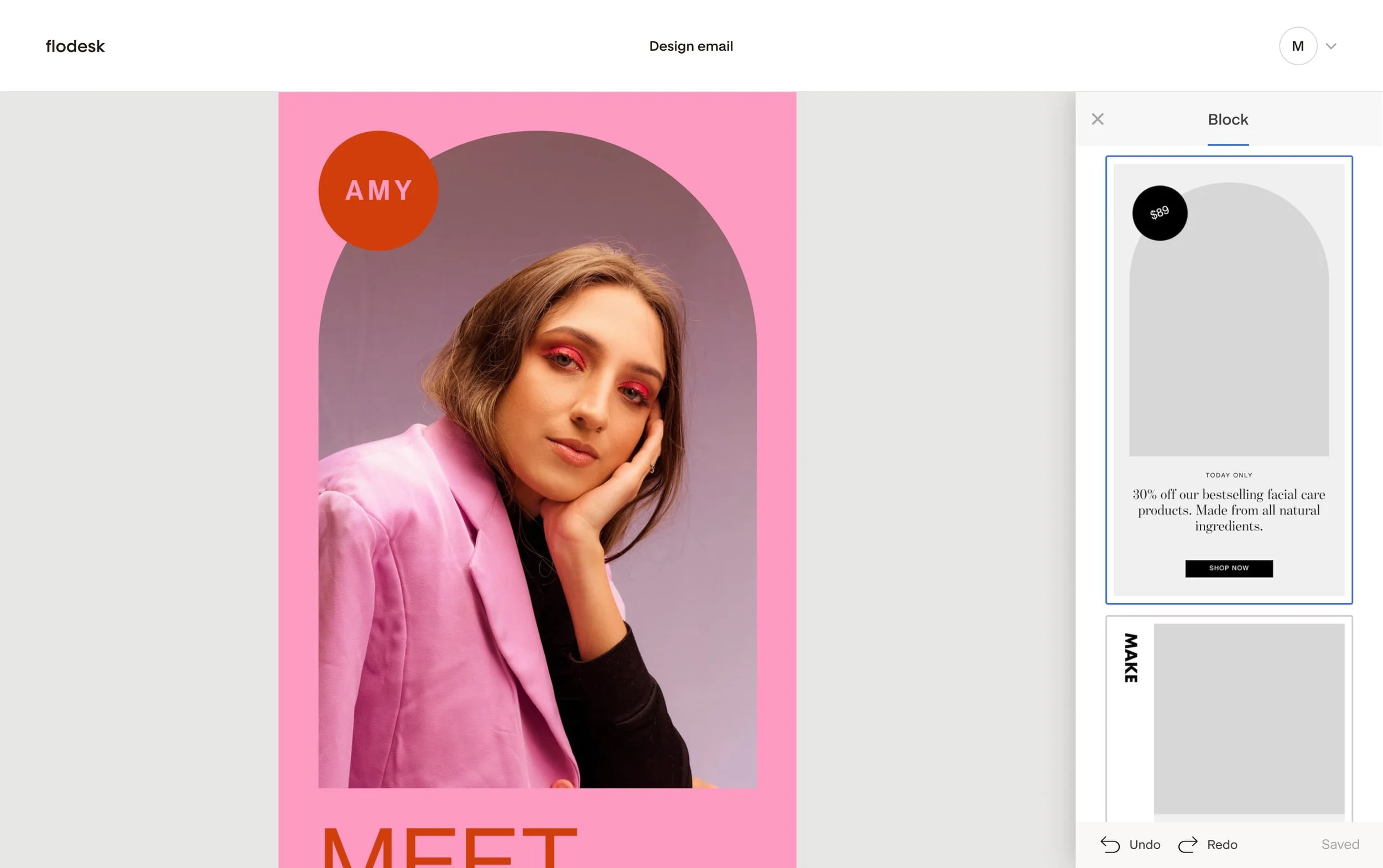
As a web designer that's helped hundreds of creators, I use Flodesk because it makes my emails look beautiful and it integrates seamlessly with my Squarespace website, so every form, signup, and workflow feels effortless and perfectly on-brand.
If you’ve ever wondered “How do I start email marketing for my small business?” or “How do I send beautiful emails without being a designer?” - here are the Flodesk features I love that make it stand out:
ABSOLUTELY STUNNING EMAILS
It's one thing to drop an email in someone's inbox; it's another thing for it to be read. If your email isn't being read, then what's the point of sending it?
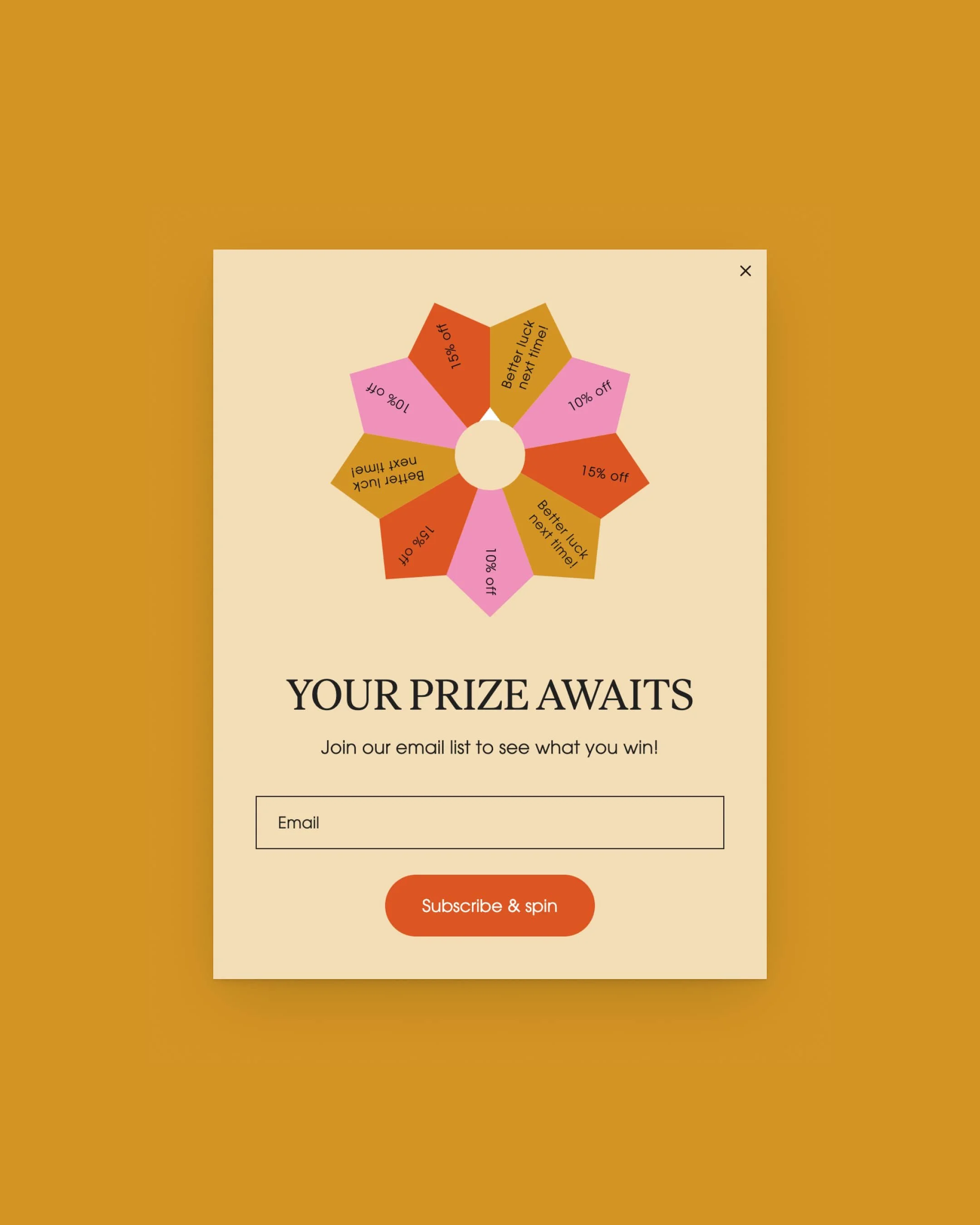
Flodesk templates allow you to build visually stunning emails that command attention and ensure that they get seen. Their modern, design-forward aesthetics aren’t just eye candy—they drive conversions. The beauty of Flodesk emails makes your message not only look great, but also perform better.
Simply put, a beautifully designed email is engineered to captivate and convert audiences.
What I love most about Flodesk’s templates is that you don’t have to be a graphic designer to make your emails look amazing. The hard work is already done for you—just plug in your content and you’re ready to send.
Another bonus? You can actually create your own templates to sell or instantly share with another account.
SIGNUP FORMS THAT SEAMLESSLY INTEGRATE
All of the signup forms on my website are created in Flodesk using my brand fonts and colors, so they look seamless on my Squarespace website.
And since Flodesk forms connect directly - no third-party tools needed - every subscriber is added instantly and sent the right automated email without me lifting a finger.
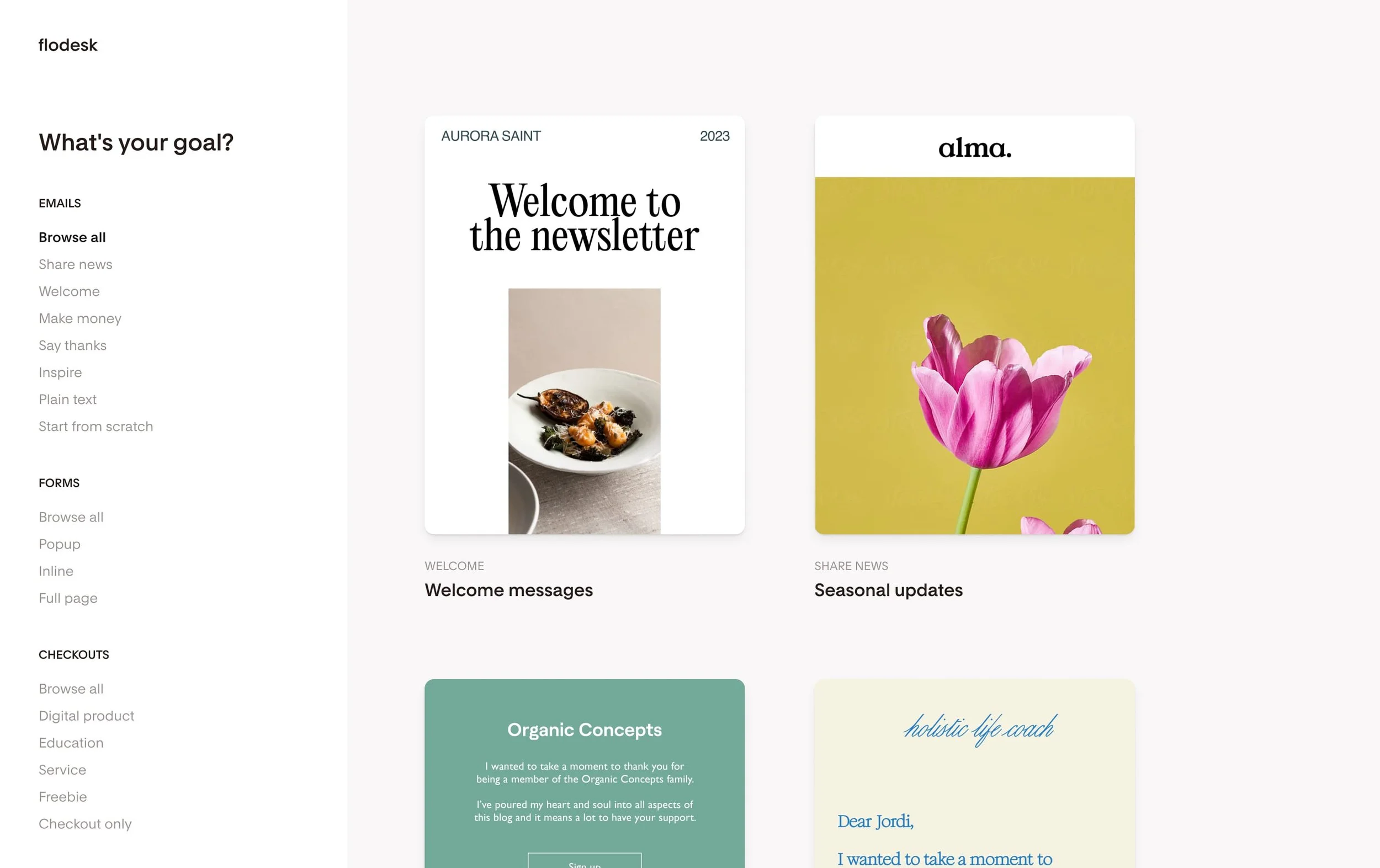
Flodesk's stunning, innovative suite of forms convert visitors to subscribers two times more than industry average with design best practices baked right in. They have several types of forms to choose from including:
Popup
Inline
Full page
Link-in-bio
Spin-the-wheel
Video
Countdown timer
Another bonus? They're all automatically responsive for mobile devices.
WORKFLOWS THAT RUN THEMSELVES
While other platforms require a steep learning curve, Flodesk offers robust automation that is both elegant and easy to use. This isn’t just about automating emails—it’s about empowering creative workflows with simplicity and style.
Flodesk recently rolled out a major upgrade to their workflows: you can now trigger automations either when a subscriber is added to a segment OR when they opt in through a specific form. Triggering workflows by a form is a powerful safeguard—it ensures your emails go only to the people who intentionally requested that content.
Here’s a real example:
I once had a workflow that triggered anytime a subscriber was added to “Segment A.” One day, I imported a large list and accidentally tagged everyone as Segment A—forgetting that a workflow was tied to that segment. As a result, the entire list received an email meant for only a small group.
With form-triggered workflows - now available in Flodesk - that kind of mistake can’t happen. Only people who submit the form enter the workflow.
Psst: Here’s a post on how to set up workflows if you have multiple lead generators.
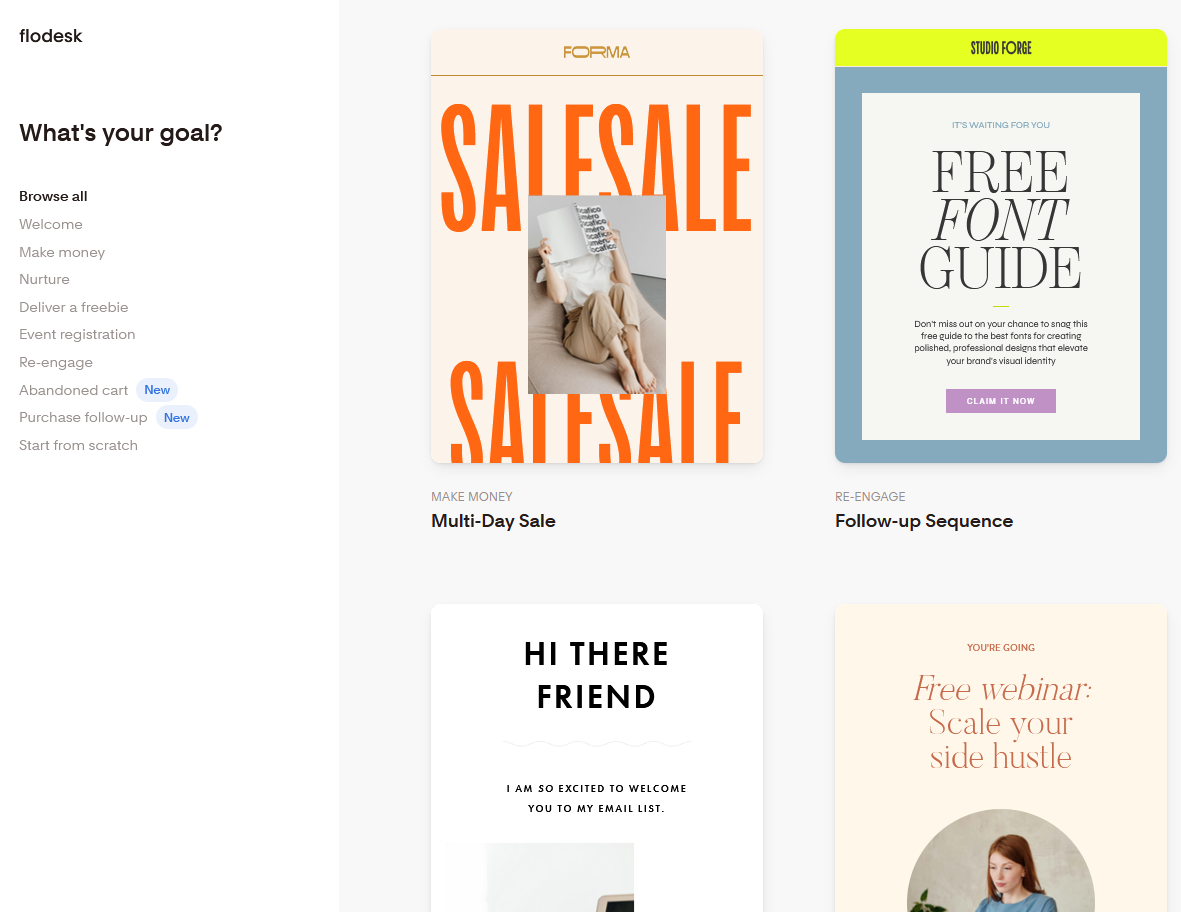
Flodesk takes the guesswork out of workflows too. They have several workflow templates so you can automate the entire subscriber journey with a personal touch. Workflow templates include:
Freebie delivery
Welcome series
Nurture series
Sales series
Event registration
Re-engagement
Abandoned cart recovery
Post-purchase follow up
Easily create powerful email automations that deliver the right content at the right time.
UNLIMITED EMAILS ON EVERY PLAN
One of the most underrated advantages of Flodesk is that every single paid plan includes unlimited email sends. That may seem small, but it’s a game changer—especially for new creators who are trying to stay consistent without worrying about hidden limits or overage fees.
Most competitors restrict how many emails you can send unless you upgrade to a higher, more expensive plan. Flodesk removes that anxiety completely. Whether you’re sending a weekly newsletter, running a launch sequence, onboarding new clients, or nurturing subscribers, you can send as many emails as you need without your bill creeping up.
It’s one of the simplest ways Flodesk gives creators freedom: you get to focus on communicating with your audience, not counting how many emails you’ve sent this month.

So, which Flodesk plan is right for you?
The Free plan is a great way to explore the platform and try out many of its core features—but it doesn’t include email sends. If you want to actually send campaigns, the Lite plan is the next step up. It includes essential tools like Link in Bio, forms, unlimited email sends, analytics, and more. Just note: it only includes one workflow.
If you want the freedom to build multiple automations—or you’re planning to deliver freebies, run welcome sequences, sales funnels, or nurture campaigns—the Pro plan is the real sweet spot. It includes everything in Lite, plus unlimited workflows and ecommerce features that give you room to grow.
CONTROL YOUR BRAND'S LOOK WITH CUSTOM FONTS AND COLORS
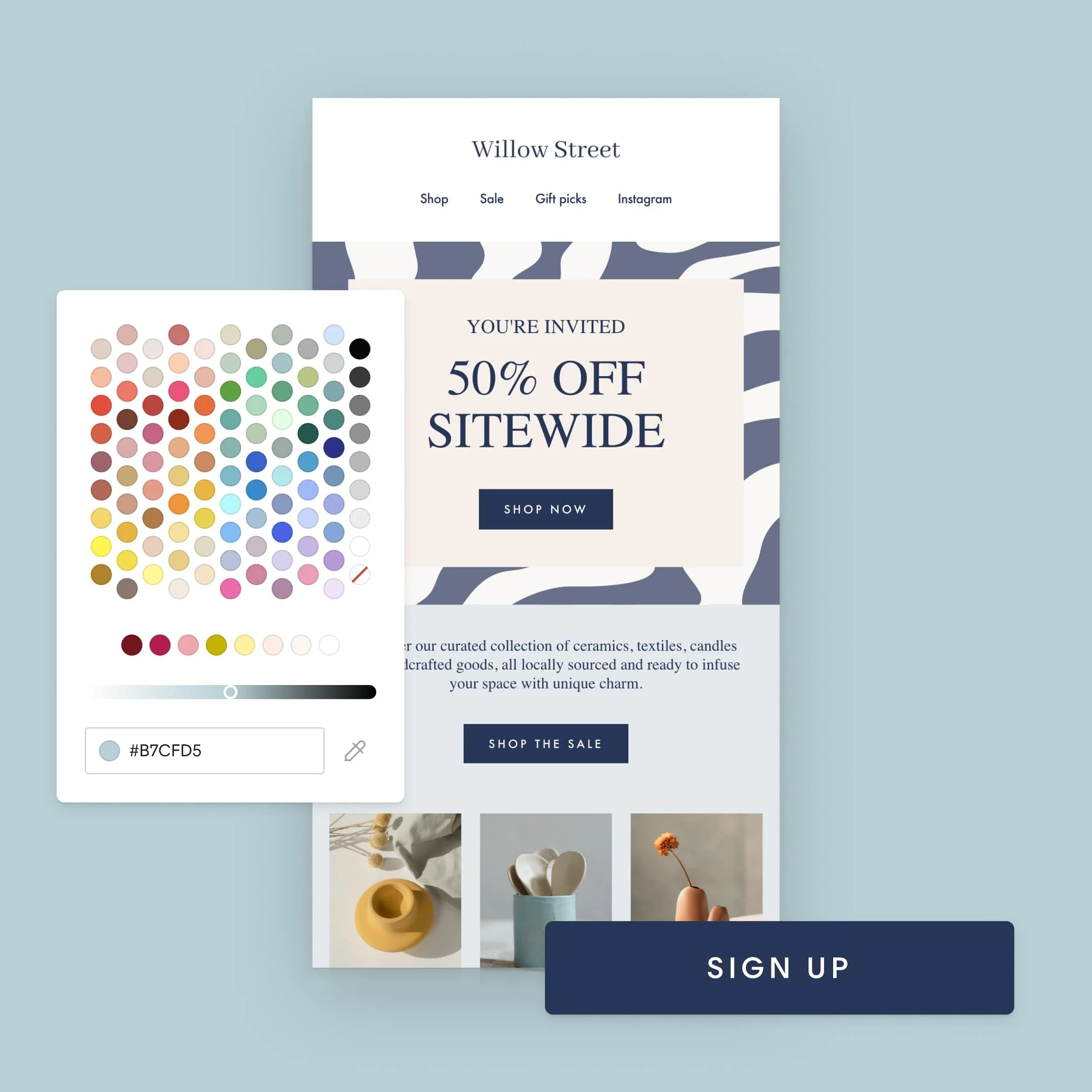
Flodesk makes it super easy to make your emails, forms, and sales pages fully on-brand by uploading custom fonts directly into the design editor. You can also set your brand color palette to maintain brand consistency in every email.
Another huge perk? Upload your logo once and Flodesk automatically places it at the top of every email—no extra formatting needed.
What I love most is how consistent everything stays. Whether you're building a sales page, a popup, or a welcome sequence, Flodesk keeps your brand visuals locked in so nothing ever feels “off” or mismatched. This level of consistency builds trust—and trust is what ultimately drives conversions.
CONCLUSION
Flodesk is the only email marketing platform that brings your brand to life with uncompromising design—beautiful, powerful, and built to convert. Because when your brand looks as good as it feels, it builds trust faster, stands out stronger, and drives the results you deserve.
Ready to send stunning emails that convert? Start your free Flodesk trial today and get 25% off your first year.
*This post may contain affiliate links, so I may earn a small commission when you make a purchase through links on this site at no additional cost to you.



How to automatically remove items that are sold out from your ecommerce store. Only display items that are actually in stock so that customers know what to choose from.